Recipes: Formula Crafting Blueprint AIC
Endfield tidak punya menu crafting tradisional — sebagai gantinya kamu menaruh Blueprint di dalam Core AIC Area-mu dan memasukkan input yang tercantum, lalu fasilitas itu otomatis memproduksi outputnya selamanya. Halaman ini membaca pasangan input/output sebenarnya dari semua 42 blueprint dalam data game, jadi kamu bisa cek apa yang dibutuhkan sebuah resep sebelum membangunnya.
Resep per Kategori
Resep Mana yang Diotomatisasi Duluan
Diambil dari urutan prioritas otomatisasi panduan AIC Factory — terapkan logika yang sama untuk memilih blueprint.
Kamu tidak bisa mengotomasi semuanya di hari pertama, dan mencoba melakukannya justru bikin base setengah jadi dan rapuh. Bangun otomasi dengan urutan ini:
- Produksi Amethyst Parts — Ore menjadi Fiber menjadi Parts lewat Shredding/Fitting Unit. Ini memasok baik konstruksi Thermal Bank-mu maupun rantai baterai awalmu, jadi hasilnya dobel.
- Jalur LC Valley Battery — begitu Packaging Unit tersedia, sesuai hitungan efisiensi di bagian 2. Ini upgrade power sungguhan pertamamu.
- Upgrade Depot Node — naikkan kapasitas penyimpanan sebelum kamu memperbesar produksi lebih jauh; depot penuh diam-diam menghentikan belt dan ini adalah alarm palsu paling umum saat troubleshooting.
- Jalur SC / HC Valley Battery — hanya setelah jalur LC dan bank cadanganmu stabil. Tiap tier menambah konsumsi power sendiri (crafting baterai LC/SC/HC semuanya memakai power grid untuk berjalan), jadi jangan merangkai semuanya sekaligus.
- Jalur kimia Reactor Crucible (larutan Xiranite, Cuprium, Hetonite, dll.) — ini fasilitas Production II untuk crafting material, bukan urusan power; otomasi ini setelah basis power-mu stabil, bukan sebelumnya.
Jangan mengotomasi Protocol Stash sebagai jalan pintas penyimpanan — mereka terus menyedot power tanpa saklar mati, dan setiap unit yang kamu pasang adalah kebocoran permanen kecil terhadap marginmu.
Kesalahan Umum
Kesalahan power-berantai yang sama yang merusak tata letak basis juga merusak rantai resep yang bergantung pada power itu.
Pola kegagalan yang konsisten dilaporkan pemain: jalur produksi baterai kamu (Shredding Unit, Fitting Unit, Packaging Unit) justru dialiri power dari grid yang sama yang mereka pasok. Kalau konsumsi total sedikit saja melebihi produksi, jalur baterai adalah salah satu yang pertama macet — artinya tidak ada baterai baru yang sampai ke Thermal Bank-mu — artinya bank kehabisan pasokan — artinya fasilitas yang tadinya menjaga jalur baterai tetap jalan ikut kehilangan power juga. Seluruh base padam dalam reaksi berantai, dan karena semuanya mati bersamaan, tidak ada penyebab tunggal yang jelas saat kamu kembali memeriksanya.
Tiga aturan untuk mencegahnya:
- Jaga satu Thermal Bank tetap sepenuhnya di luar loop. Pasok dari miner Originium Ore khusus yang tidak terhubung ke apa pun yang lain. Kalau pipeline baterai-mu suatu saat kolaps, bank ini tetap jalan dengan ore mentah dan memberimu cukup power untuk menyalakan ulang sisanya secara manual, bukannya membangun ulang dari nol.
- Jangan biarkan konsumsi power dari rantai crafting baterai sendiri memakan margin keamananmu. Sebelum menambah Shredding/Fitting/Packaging Unit baru, cek apakah surplus saat ini (produksi dikurangi konsumsi) masih bisa menampungnya. Kalau margin sampai nol, kamu tinggal satu gangguan kecil dari cascade.
- Jangan tumpahkan output satu jalur packaging baterai ke satu Thermal Bank saja. Setiap bank cuma menyerap satu baterai per 40 detik — kalau jalurmu memproduksi lebih cepat dari itu, output menumpuk di belt dan memacetkan seluruh rantai produksi di belakangnya. Pakai Splitter untuk membagi baterai bergiliran ke beberapa bank.
Kalau base-mu sudah kadung blackout, checklist pemulihan (pendekatan bertahap yang dilaporkan komunitas):
- Bongkar — jangan cuma dimatikan — semua Protocol Stash; mereka terus menyedot power dan mematikannya tidak menghentikan kebocoran itu.
- Nyalakan satu Thermal Bank dengan ore mentah dulu; naiknya lambat tapi tidak akan memicu lonjakan konsumsi lagi.
- Setelah power mulai naik, aktifkan kembali fasilitas mining secara bertahap, jangan sekaligus.
- Hidupkan lagi produksi baterai secara bertahap (LC dulu, baru SC, baru HC) supaya konsumsi tiap tier terserap dulu sebelum menambah tier berikutnya.
Daftar Resep Lengkap (42)
Place this blueprint in the Core AIC Area, then input Cuprium Ore , Clean Water and Precipitation Acid to auto-produce Hetonite Solution .
Place this blueprint in the Core AIC Area, then input Hetonite Solution and Ferrium Ore to auto-produce Hetonite Part .
Place this blueprint in the Core AIC Area, then input Hetonite Part and Heavy Xiranite to auto-produce Hetonite Components .
Place this blueprint in the Core AIC Area, then input Xiranite , Clean Water and Sewage to auto-produce Heavy Xiranite .
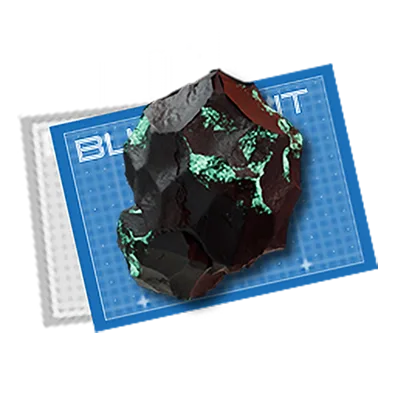
Place this blueprint in the Core AIC Area, then input Sewage , Xiranite and Ferrium Ore to auto-produce Xircon .
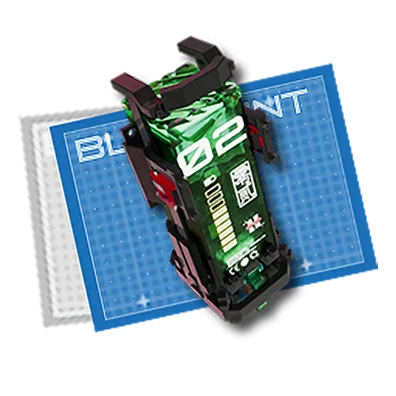
Place this blueprint in the Core AIC Area, then input Xircon and Dense Originium Powder to auto-produce SC Wuling Batteries .
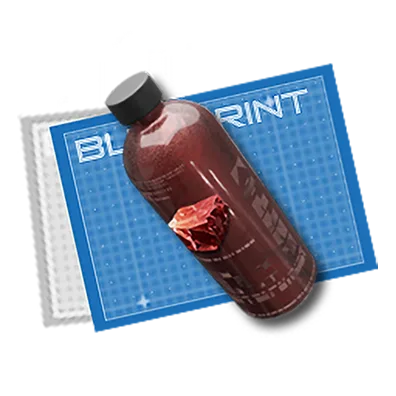
Place this blueprint in the Core AIC Area, then input Cuprium Ore and Clean Water to auto-produce Cuprium Bottles .
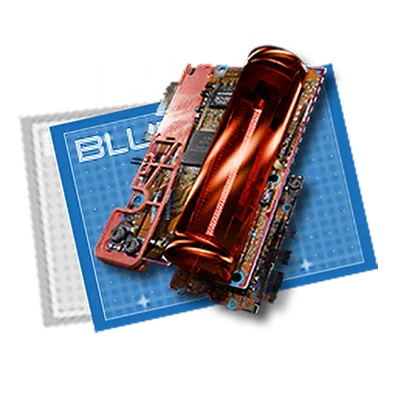
Place this blueprint in the Core AIC Area, then input Cuprium Ore and Clean Water to auto-produce Cuprium Parts .
Place this blueprint in the Core AIC Area, then input Cuprium Bottles and Yazhen Solution to auto-produce Yazhen Syringes [A] .
Place this blueprint in the Core AIC Area, then input Cuprium Parts and Xiranite to auto-produce Cuprium Components .
Place this blueprint in the Core AIC Area, then input Amethyst Ore and Originium Ore to auto-produce Amethyst Components .
Place this blueprint in the Core AIC Area, then input Amethyst Ore to auto-produce Amethyst Parts .
Place this blueprint in the Core AIC Area, then input Originium Ore to auto-produce Origocrusts .
Place this blueprint in the Core AIC Area, then input clean Water and 1 unit of any plant that can be processed at the Seed-Picking Unit and Planting Unit to auto-produce an endless amount of that plant .
Place this blueprint in the Core AIC Area, then input Ferrium Bottle and Jincao Solution to auto-produce Jincao Drink .
Place this blueprint in the Core AIC Area, then input Ferrium Bottles and Yazhen Solution to auto-produce Yazhen Syringes [C] .

Place this blueprint in the Core AIC Area, then input Yazhen and Clean Water to auto-produce Yazhen Solution .
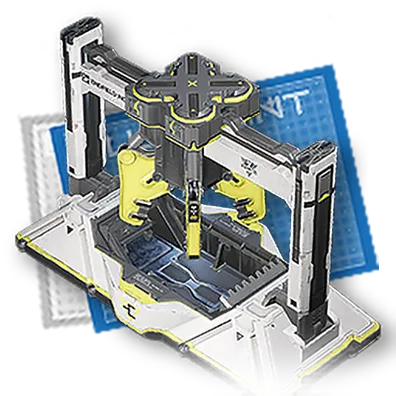
Place this blueprint in the Core AIC Area, then input bottles filled with a fluid to auto-produce empty bottles and that fluid .
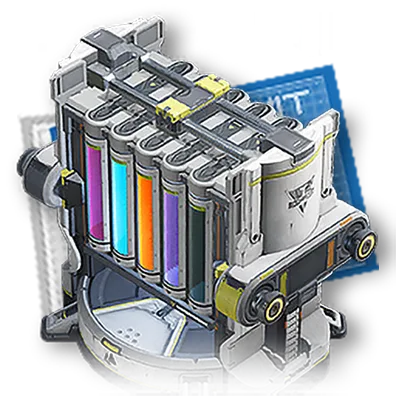
Place this blueprint in the Core AIC Area, then input soluable plants and Clean Water to auto-produce the solution of that plant .
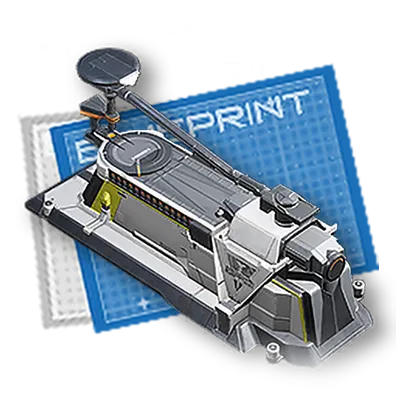
Place this blueprint in the Core AIC Area, then input Ferrium Bottle and any fluid to auto-produce Ferrium Bottles filled with that fluid .
Place this blueprint in the Core AIC Area, then input Clean Water , Carbon , and Sandleaves to auto-produce Xiranite .
Place this blueprint in the Core AIC Area, then input Xiranite and Dense Originium Powder to auto-produce LC Wuling Batteries .
Place this blueprint in the Core AIC Area, then input Sandleaves and Originium Ore to auto-produce Dense Originium Powder .
Place this blueprint in the Core AIC Area, then input Sandleaves and Ferrium Ore to auto-produce Dense Ferrium Powder .
Place this blueprint in the Core AIC Area, then input Sandleaves and Buckflowers to auto-produce Ground Buckflower Powder .
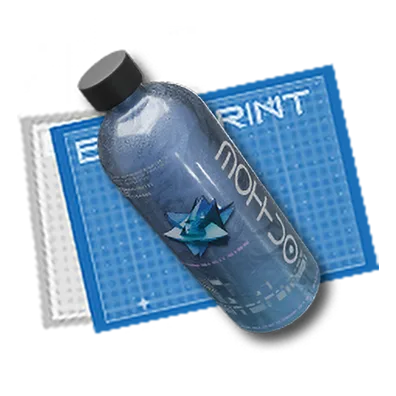
Place this blueprint in the Core AIC Area, then input Dense Ferrium Powder to auto-produce Steel Bottles .
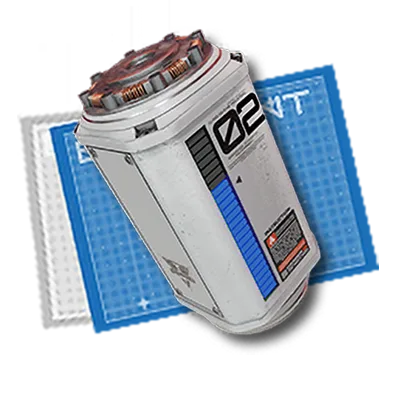
Place this blueprint in the Core AIC Area, then input Ferrium Part and Originium Ore to auto-produce SC Valley Batteries .
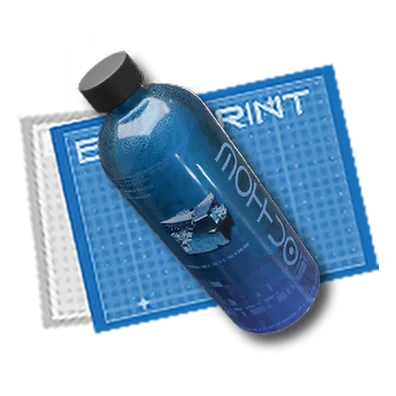
Place this blueprint in the Core AIC Area, then input Ferrium to auto-produce Ferrium Bottles .
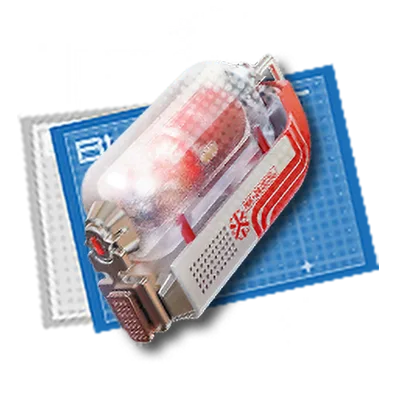
Place this blueprint in the Core AIC Area, then input Ferrium Bottle and Buckflowers to auto-produce Buck Capsules [B] .
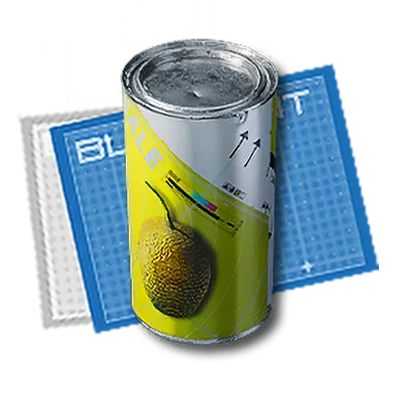
Place this blueprint in the Core AIC Area, then input Ferrium Bottle and Citromes to auto-produce Canned Citromes [B] .

Place this blueprint in the Core AIC Area, then input Sandleaves and Origocrusts to auto-produce Packed Origocrusts .
Place this blueprint in the Core AIC Area, then input Sandleaves and Amethyst Fibers to auto-produce Cryston Fibers .
Place this blueprint in the Core AIC Area, then input Ferrium Ore to auto-produce Ferrium Parts .
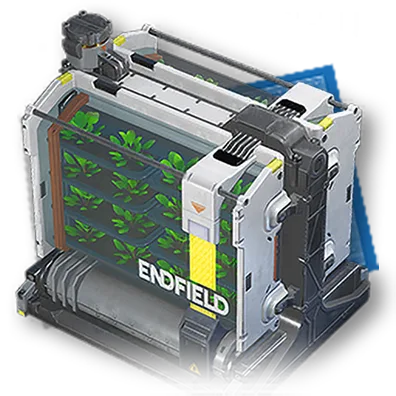
Place this blueprint in the Core AIC Area, then input 1 unit of any plant that can be plated in Planting Units to auto-produce an endless amount of that particular plant .
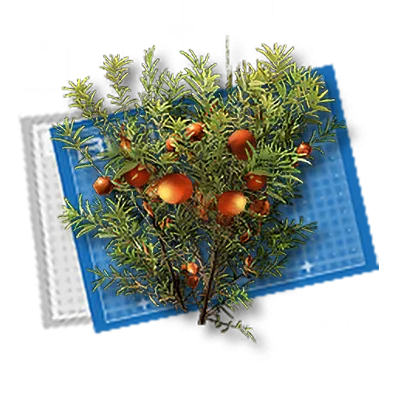
Place this blueprint in the Core AIC Area, then input 1 unit of Buckflower to auto-produce an endless amount of Buckflowers .
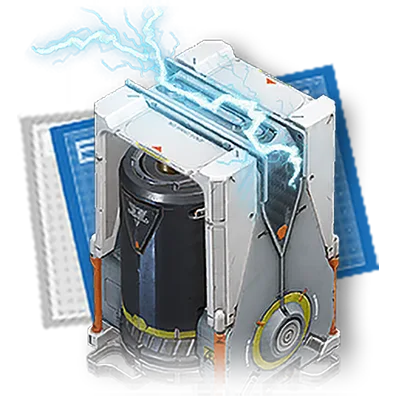
Place this blueprint in the Core AIC Area, then input Originium Ore to generate power automatically .
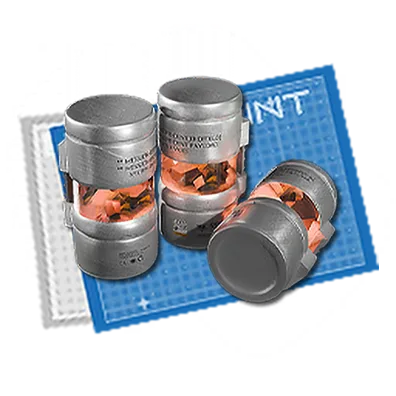
Place this blueprint in the Core AIC Area, then input Amethyst Parts and Aketine to auto-produce Industrial Explosives .
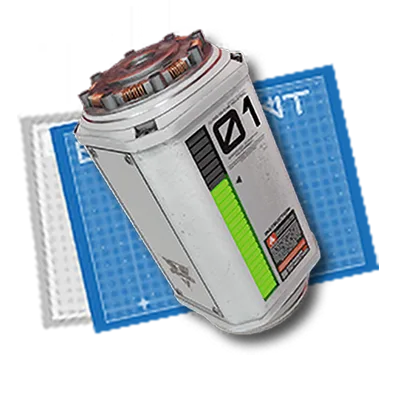
Place this blueprint in the Core AIC Area, then input Amethyst PArts and Originium Ore to auto-produce LC Valley Batteries .
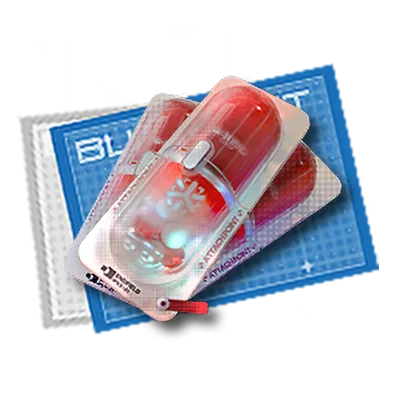
Place this blueprint in the Core AIC Area, then input Amethyst Bottles and Buckflowers to auto-produce Buck Capsules [C] .
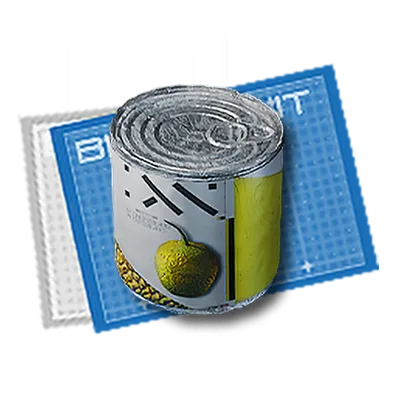
Place this blueprint in the Core AIC Area, then input Amethyst Bottles and Citromes to auto-produce Canned Citromes [C] .
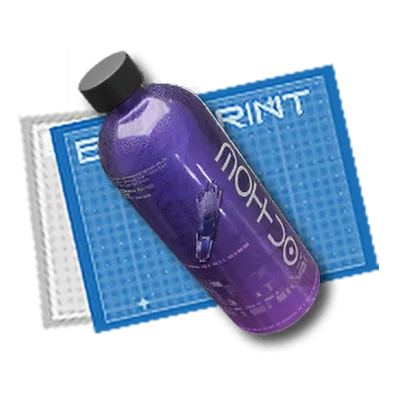
Place this blueprint in the Core AIC Area, then input Amethyst Ore to auto-produce Amethyst Bottles .
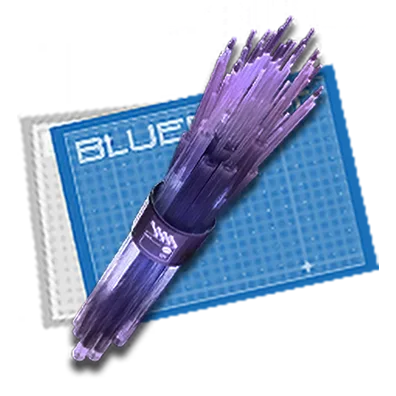
Place this blueprint in the Core AIC Area, then input Amethyst Ore to auto-produce Amethyst Fibers .
Pertanyaan yang Sering Diajukan
Bagaimana cara kerja resep blueprint Endfield sebenarnya?
Taruh item Blueprint di dalam Core AIC Area, lalu masukkan input persis yang tercantum di resep (ditampilkan sebagai chip di bawah). Setelah dipasok, fasilitas akan terus otomatis memproduksi outputnya tanpa input lagi darimu.
Berapa banyak resep yang dimiliki Endfield sekarang?
42 resep Blueprint dikonfirmasi dalam data game, terbagi antara jenis dibuat-AIC, langsung usable, dan panen-alami.
Di mana aku bisa menemukan material yang dibutuhkan sebuah resep?
Setiap chip input ditautkan ke halaman item material itu sendiri kalau ditemukan kecocokan di data item, valuables, atau blueprint game — buka untuk melihat dari mana material itu didapat atau bagaimana cara memproduksinya.