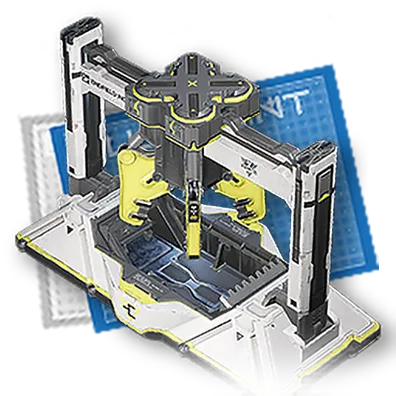
General Fluid Separation
Place this blueprint in the Core AIC Area, then input
How To Use
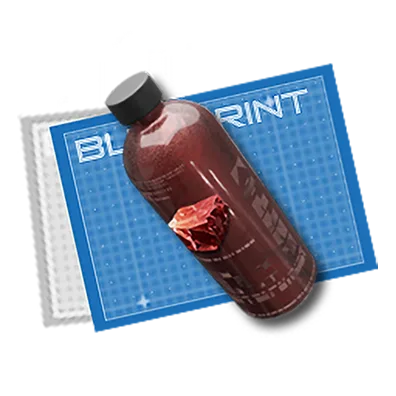
Place this blueprint in the Core AIC Area, then input bottles filled with a fluid to auto-produce empty bottles and that fluid .
Placed at: Core AIC Area
bottles filled with a fluid
→
General Fluid Separation
FAQ
Where do you place General Fluid Separation to use it?
General Fluid Separation is placed at Core AIC Area inside the Automated Industry Complex (AIC), then runs automatically once it has enough materials.
What materials does General Fluid Separation need to run?
General Fluid Separation needs: bottles filled with a fluid.
What does General Fluid Separation automatically produce?
Once fed enough materials, General Fluid Separation automatically produces General Fluid Separation.
Blueprint Details
General Information
Facility List | |
|---|---|
Final Product | |
Main Materials | Filled with: |
Other Materials/Byproducts | None |
Full profile
Place this blueprint in the Core AIC Area, then input
bottles filled with a fluid
to auto-produce
empty bottles
and that
fluid
.